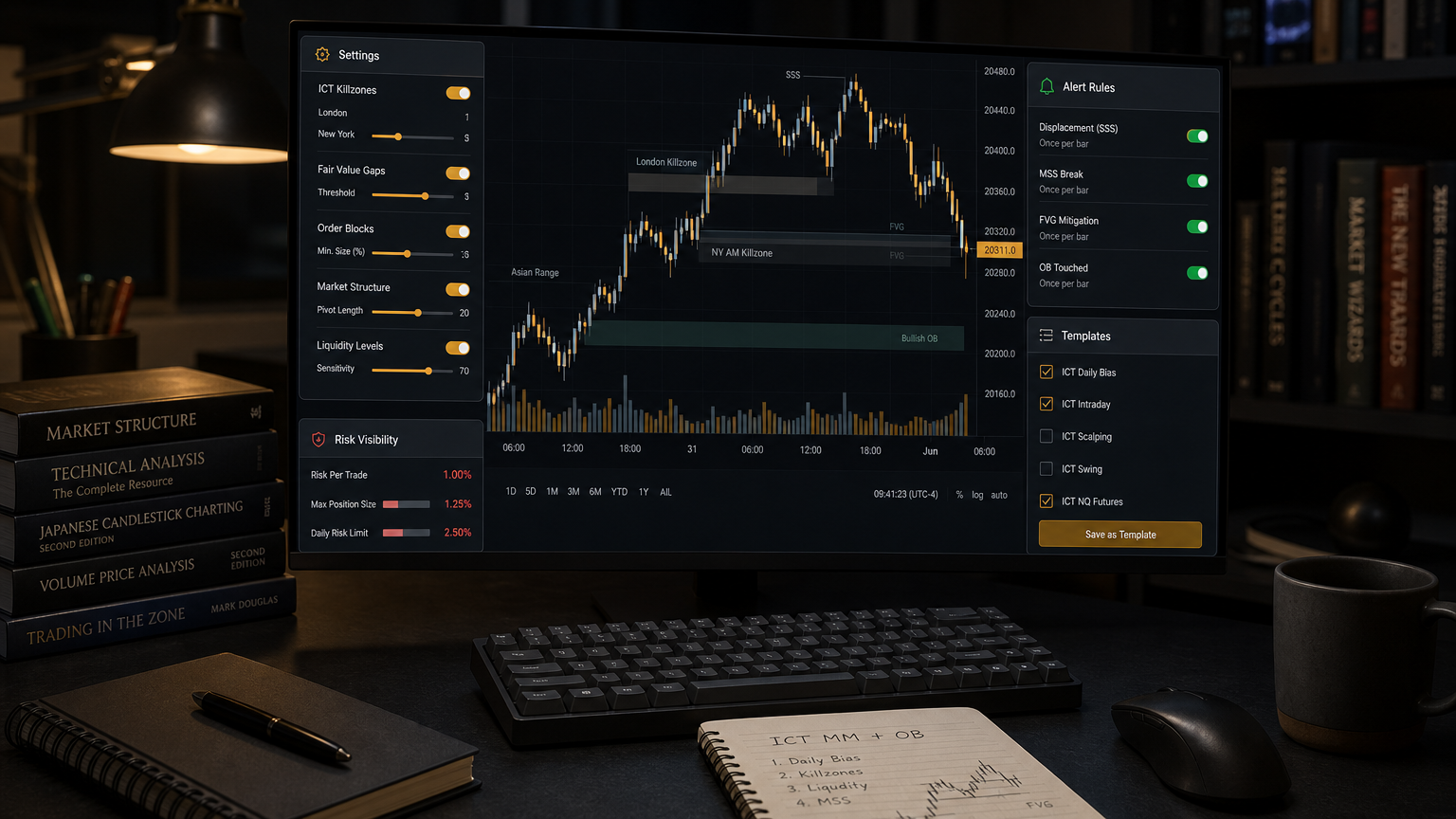
Installing an ICT indicator is not setup. Setup means assigning every visible tool a job in your trading plan.
Bottom line: Configure the Tempo indicator around observation, alerts, sizing, and review instead of treating it as a signal machine.
Trading risk note: Tempo Trades content and tools are for educational purposes only and are not financial advice. Futures trading involves substantial risk of loss and is not suitable for every trader. Past performance, examples, testimonials, or creator results do not guarantee future results.
Start with chart cleanliness
Turn on only the markings you can explain. Too many boxes can create false confidence and visual overload.
A clean template beats a crowded template if it helps you make fewer, clearer decisions.
Assign each feature a job
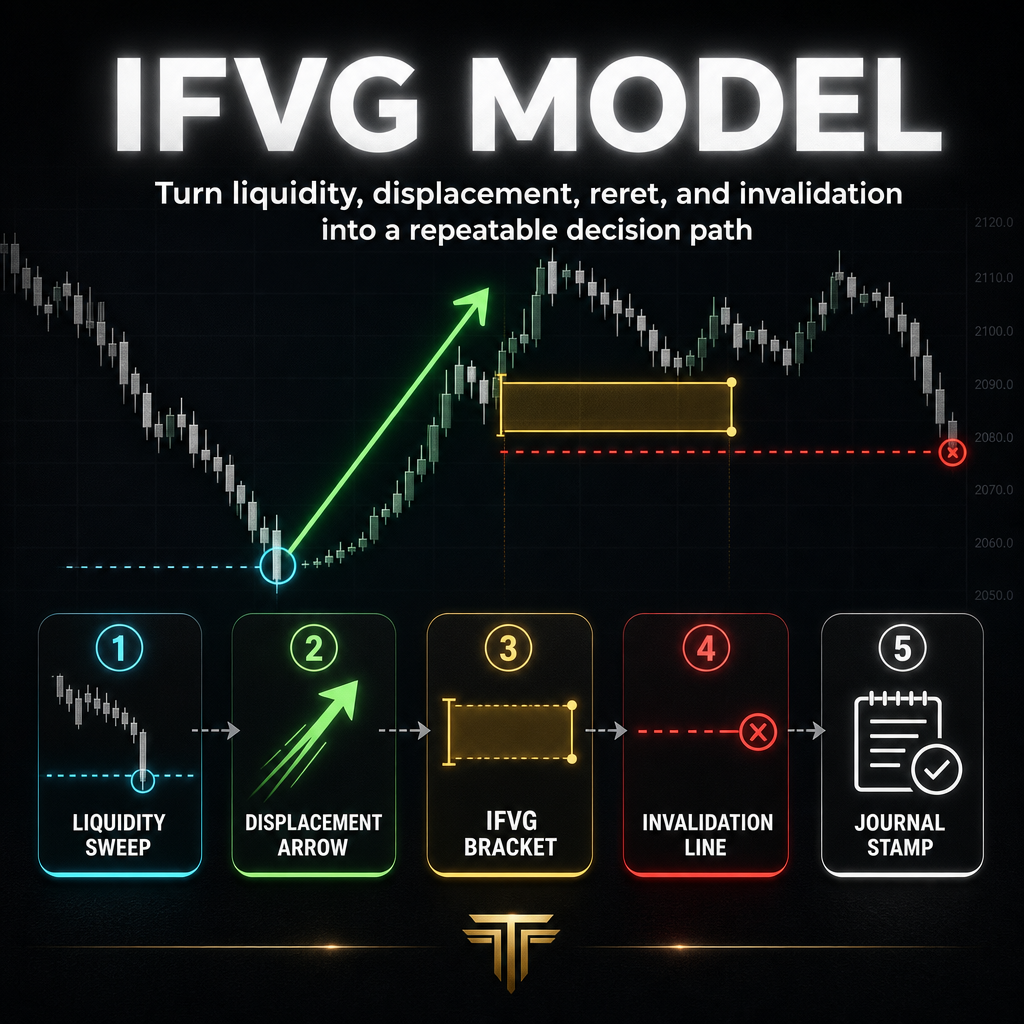
FVG and IFVG markings help with imbalance and role-change review. SMT mapping helps with correlated-market disagreement. Ratings help standardize quality checks. Sizing helps quantify risk.
If a feature does not change a decision, hide it until it does.
Use the verified feature list
The Whop indicator page lists real-time IFVG/FVG, automatic SMT mapping, a built-in Tempo rating guide, automatic sizing, and 20+ customizable settings.
Those are workflow features. They still require a trader to define bias, invalidation, and account risk.
Alert discipline
Alerts should invite review, not force entry. Name alerts by condition so you know what question they are asking.
An alert that makes you click without checking context is too vague.
Template testing
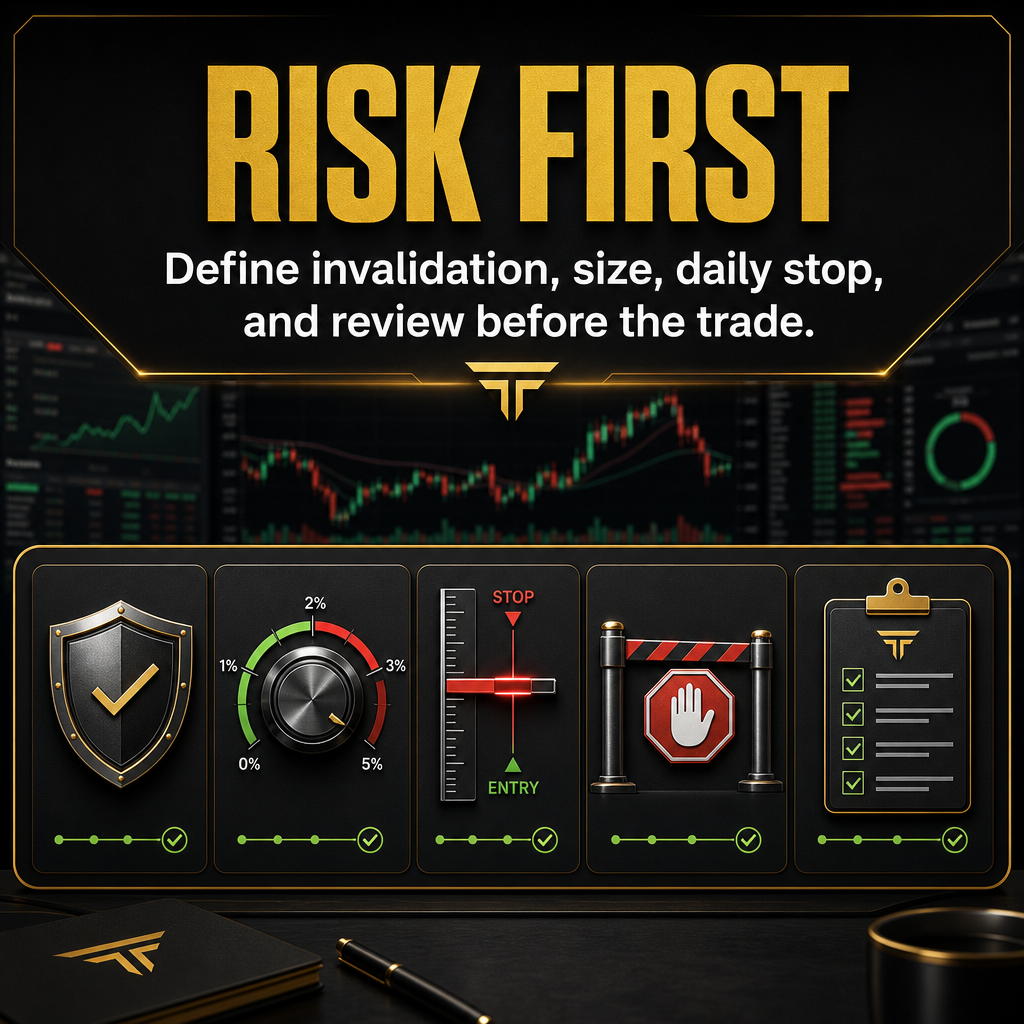
Test the template in replay for at least a week. Record which settings helped and which distracted you.
The best setup is the one you can use calmly during a fast session.
Verdict
A TradingView setup is successful when it makes your plan clearer and your risk more visible.
If it makes every move look tradable, simplify it.
Related Reading
- Tempo Trades Review: Is the Futures Trading Community Worth It?
- Tempo Trades Pricing: Which Offer Makes Sense for Your Workflow?
- Tempo Trades Indicator Review: ICT Tool or Signal Trap?
- IFVG Indicator Guide: How to Use Inversion Fair Value Gaps Without Forcing Trades
- FVG vs IFVG: The Difference That Changes Your Trade Plan
- SMT Divergence Indicator: How to Read Correlation Without Chasing Reversals
- Live Futures Trading Room: How to Learn From Real-Time Sessions Without Copying
- Tempo Trades Premium Discord: What a Trading Community Should Actually Do
FAQ
Should all settings be enabled?
No. Enable only what supports your current checklist.
Are alerts entries?
No. Alerts are prompts to inspect context.
What should I test first?
Visibility, marking accuracy for your workflow, sizing behavior, and whether the setup reduces impulsive trades.
Does this guarantee profitable trades?
No. Nothing in Tempo Trades, this article, or any indicator guarantees profits. The goal is better process quality, not certainty.
Evaluate Tempo Trades only if it fits your current workflow and risk rules.
Review the Tempo Trades Indicator